1
SelectedPick a character

Amara
Choose the identity you want to keep. We picked Amara from the real character library.
Save one character identity. Then change everything else — scene, outfit, lighting, angle — and her face stays hers. No re-rolling a stranger every time.
100 free credits every month · fictional adults and consenting references only
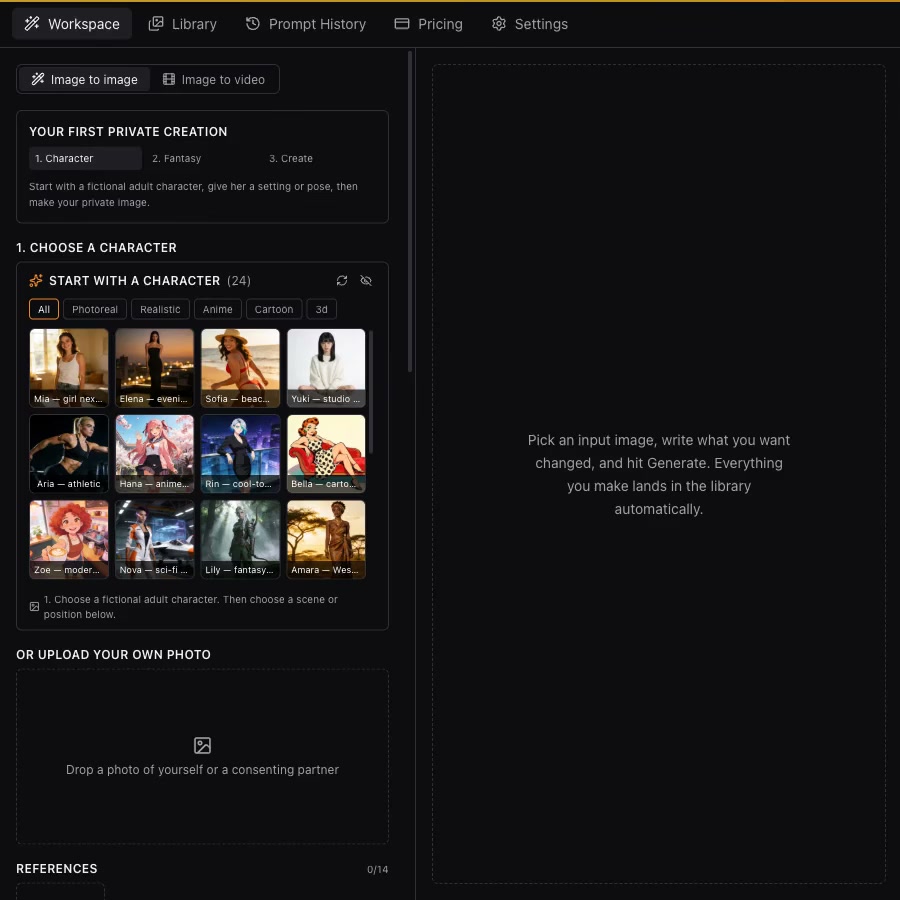
Real UI, real generation — recorded on the live app, not a mockup.
Pause to follow each step, replay, or use fullscreen for a closer look.
Sensia is a private workspace for ongoing adult fantasies. Your characters, prompts, references, and results stay in your account so you can build on an identity over time instead of starting from zero with every generation.
01
Save an identity worth returning to.
02
Choose a new setting, pose, or direction.
03
Generate images and bring moments to video.
One saved character, five stress scenes — extreme lighting, full-body distance, profile angle, complete outfit change, mid-motion. Every scene a first attempt on Anchor, zero selection. Three faces rotate through the identical test.
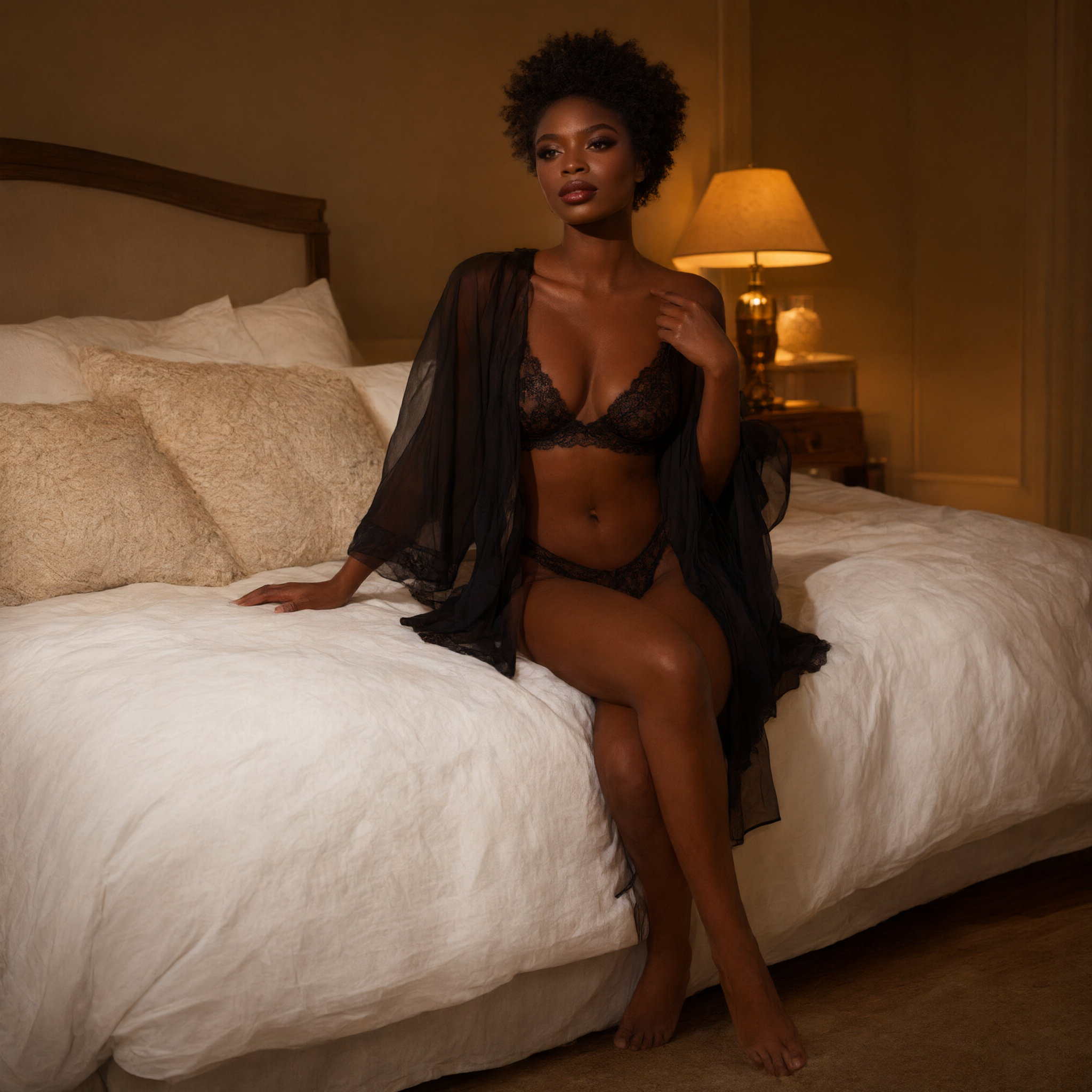
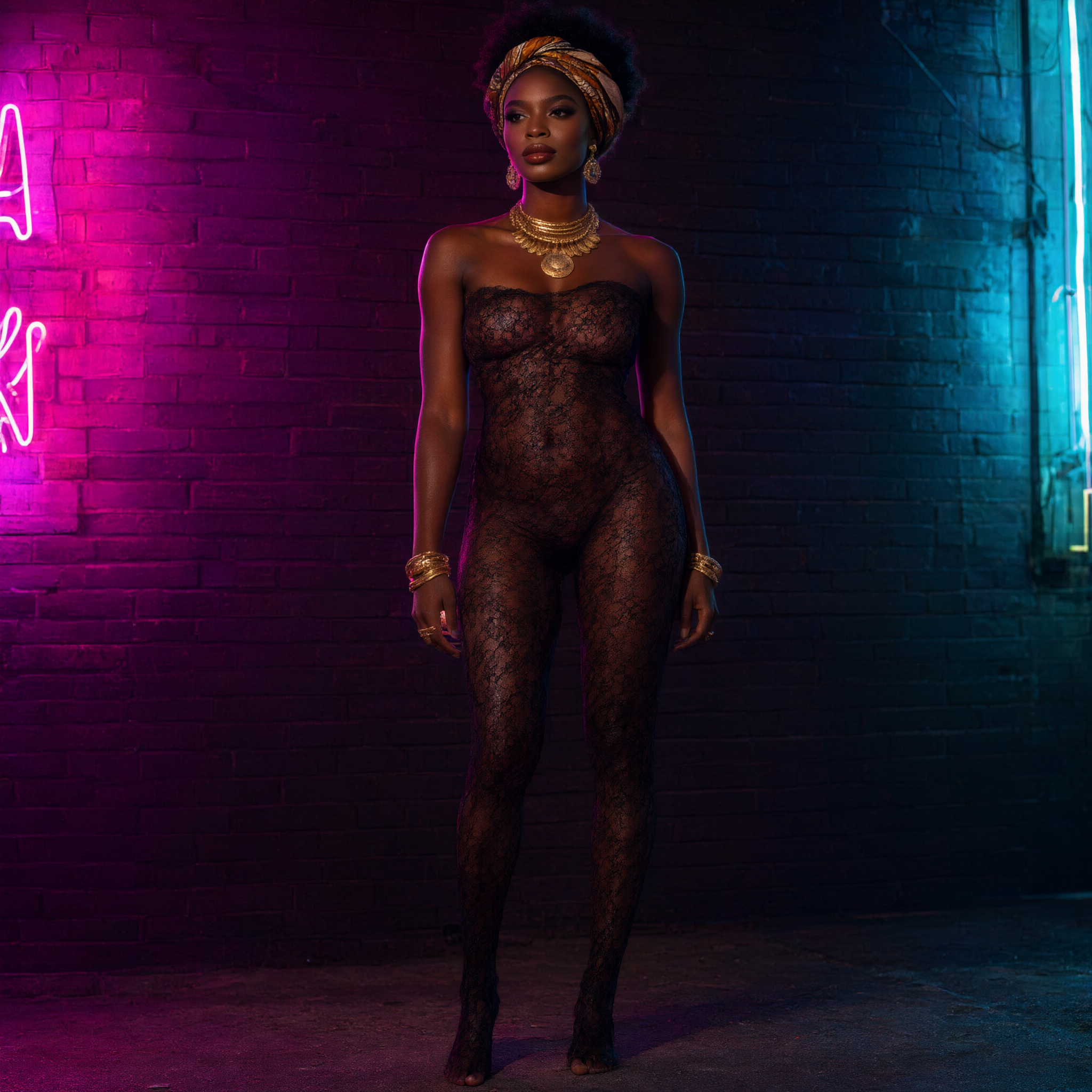
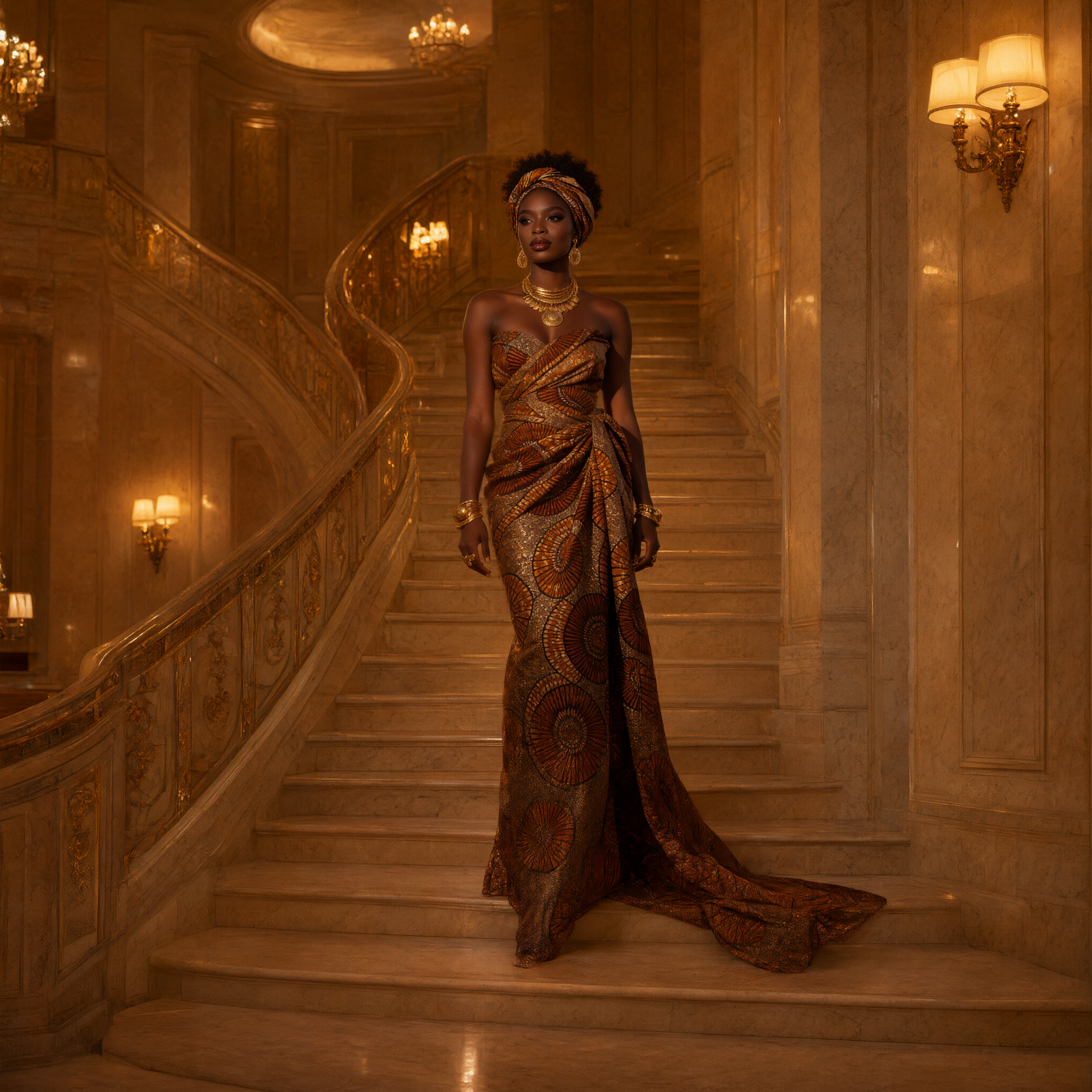
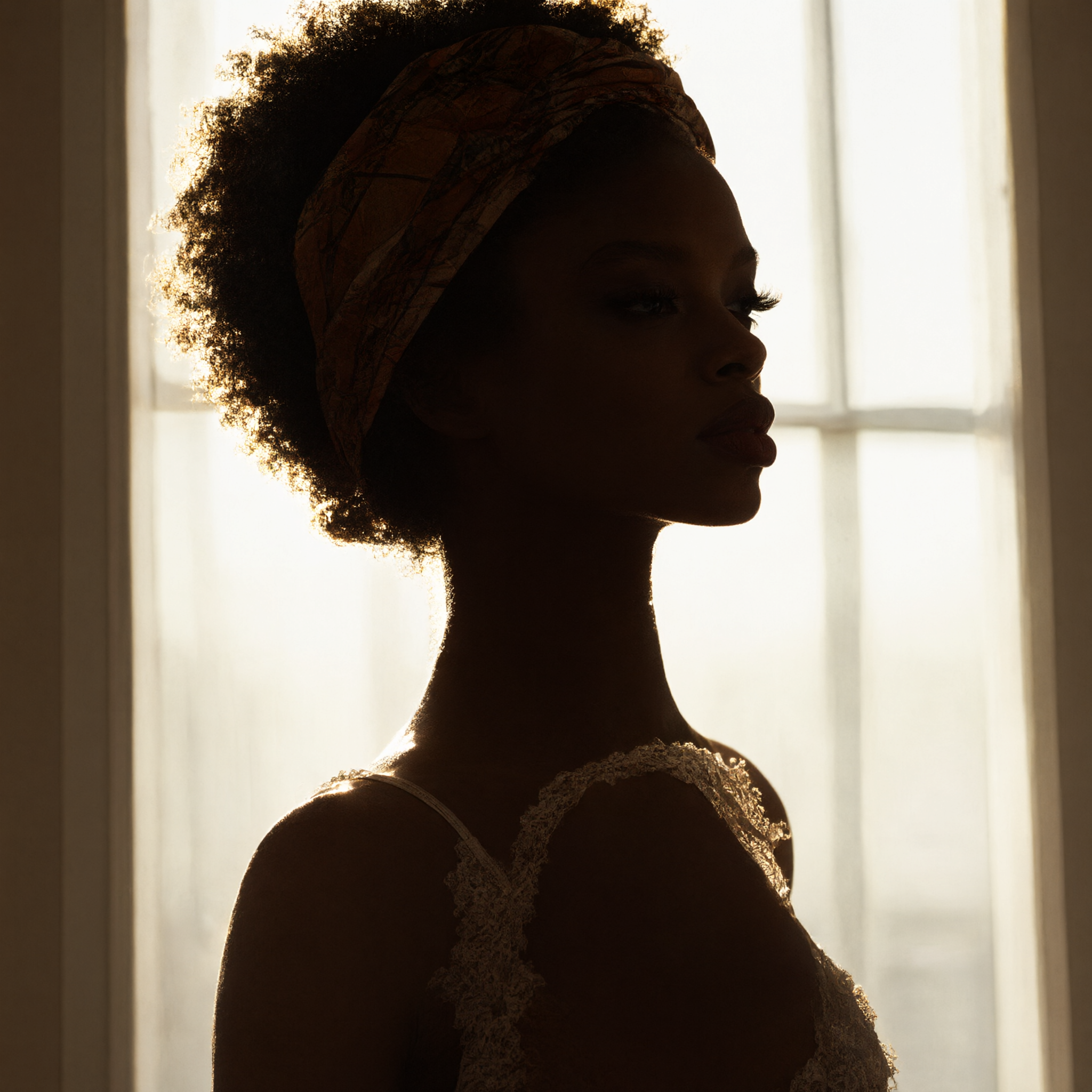
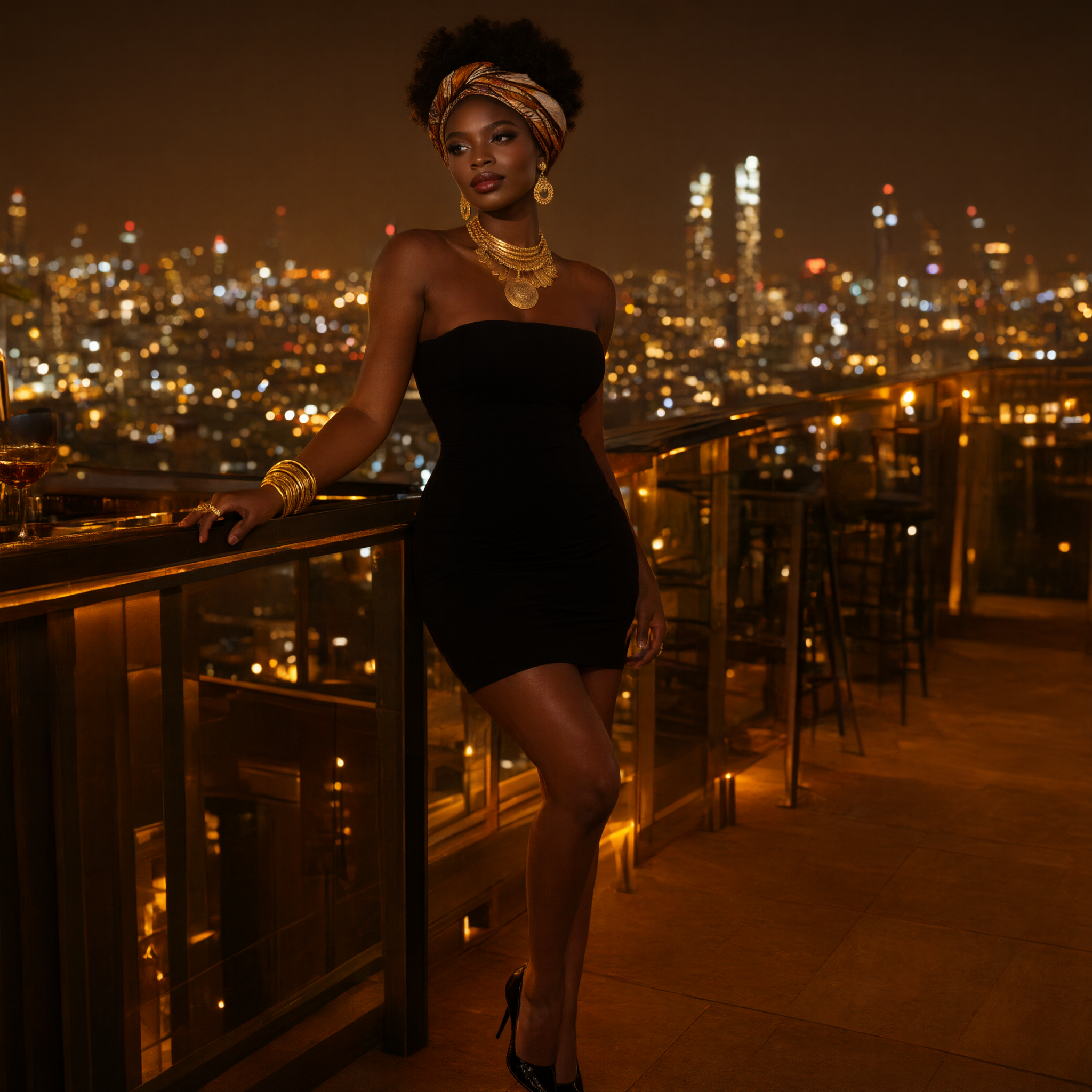

First attempt, every scene
Anchor model
No selection, no retries
Full methodology →
Pick a character. Select a pose. Generate the image. Three clear steps, shown with real characters and results from Sensia.
Choose the identity you want to keep. We picked Amara from the real character library.
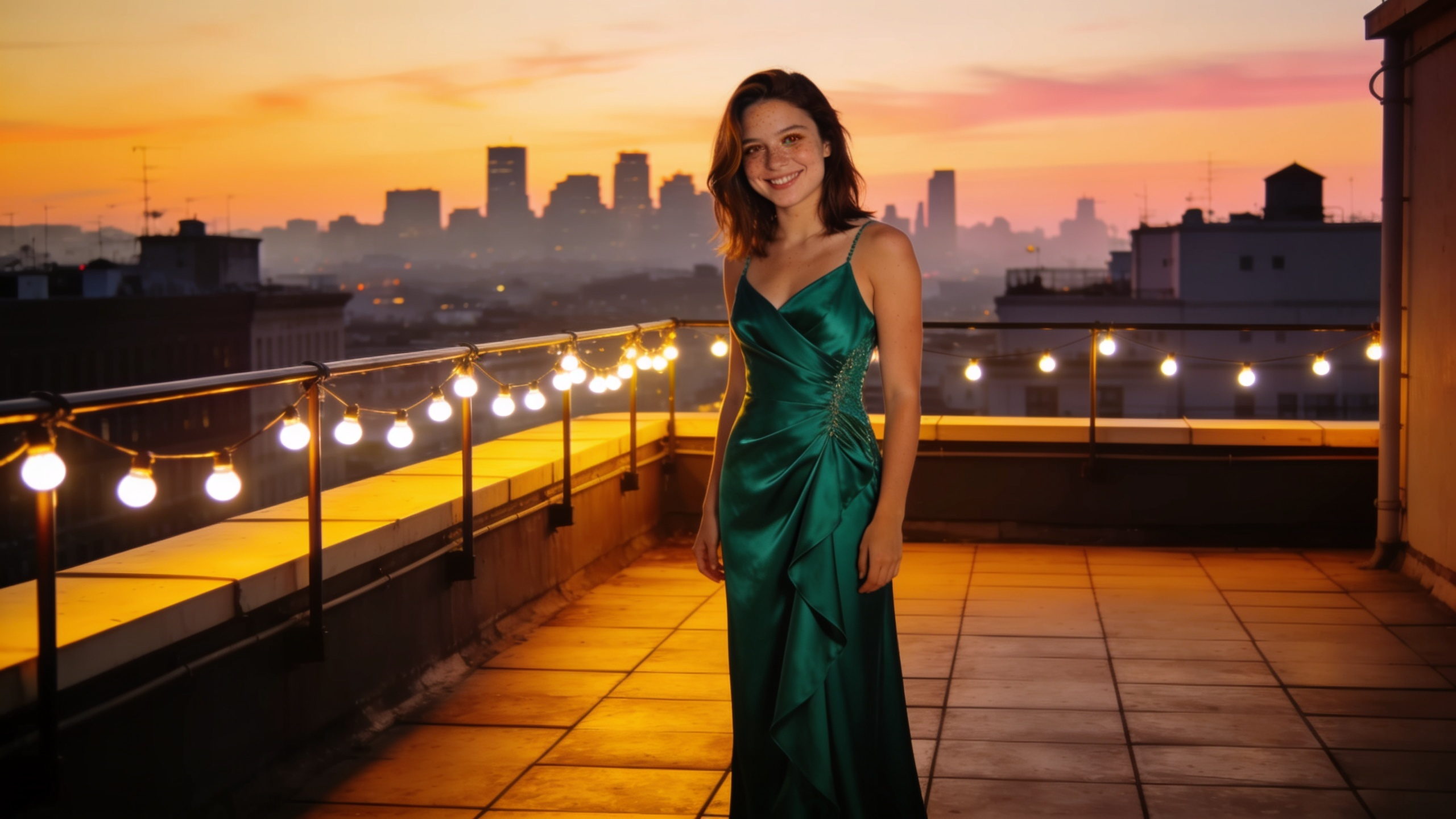
Pick a clear, nonsexual pose. We chose a graceful mid-turn with the dress moving.
Sensia creates the selected pose as a polished new portrait while keeping Amara recognizable.
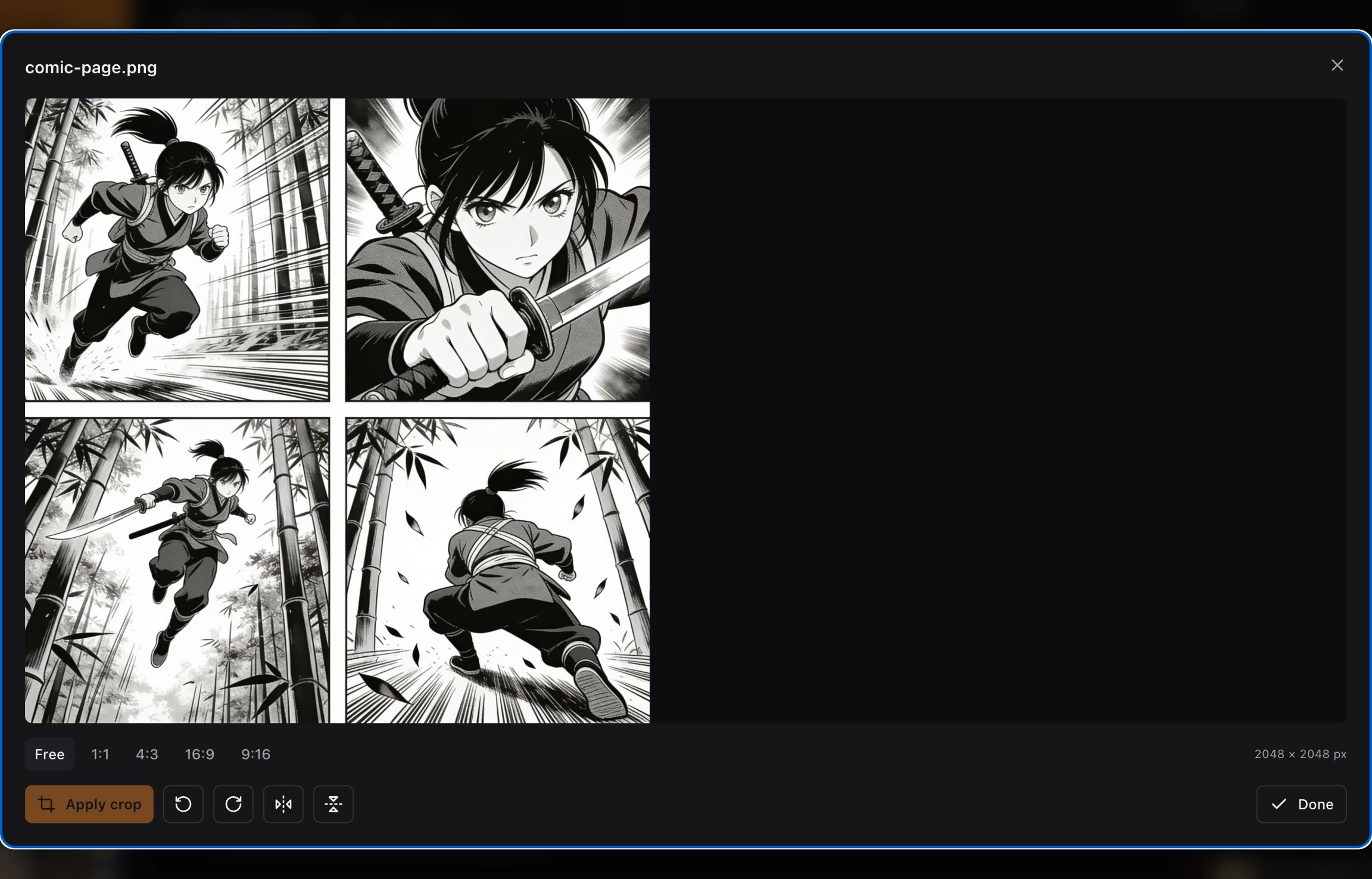
Drop a manga or comic page and vision AI finds every panel, crops it to the pixel, and files it as its own asset — ready to use as an input or a reference.
UI walkthrough · loops automatically
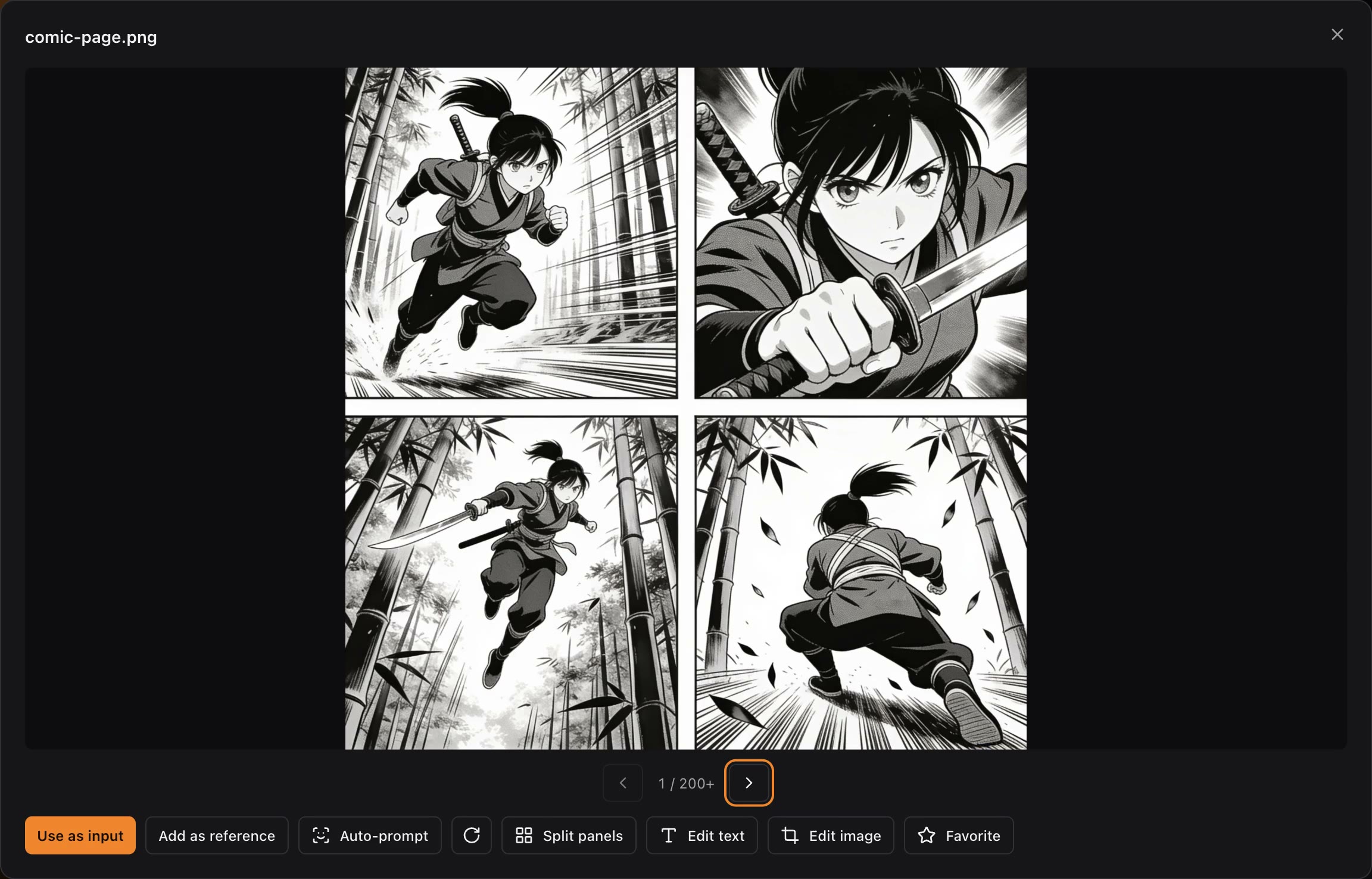
Crop, rotate and flip with server-baked, non-destructive edits. Every result lands in your library as a new version — originals are never touched.
UI walkthrough · loops automatically
Attach a saved character and the references for a new scene. Vision AI helps write the edit while keeping the identity, pose, wardrobe, and setting clear before you generate.
Combine your character, an outfit, and a setting without losing the subject you came back for. The studio maps an identity to its intended figure while the rest of the scene stays yours to direct.
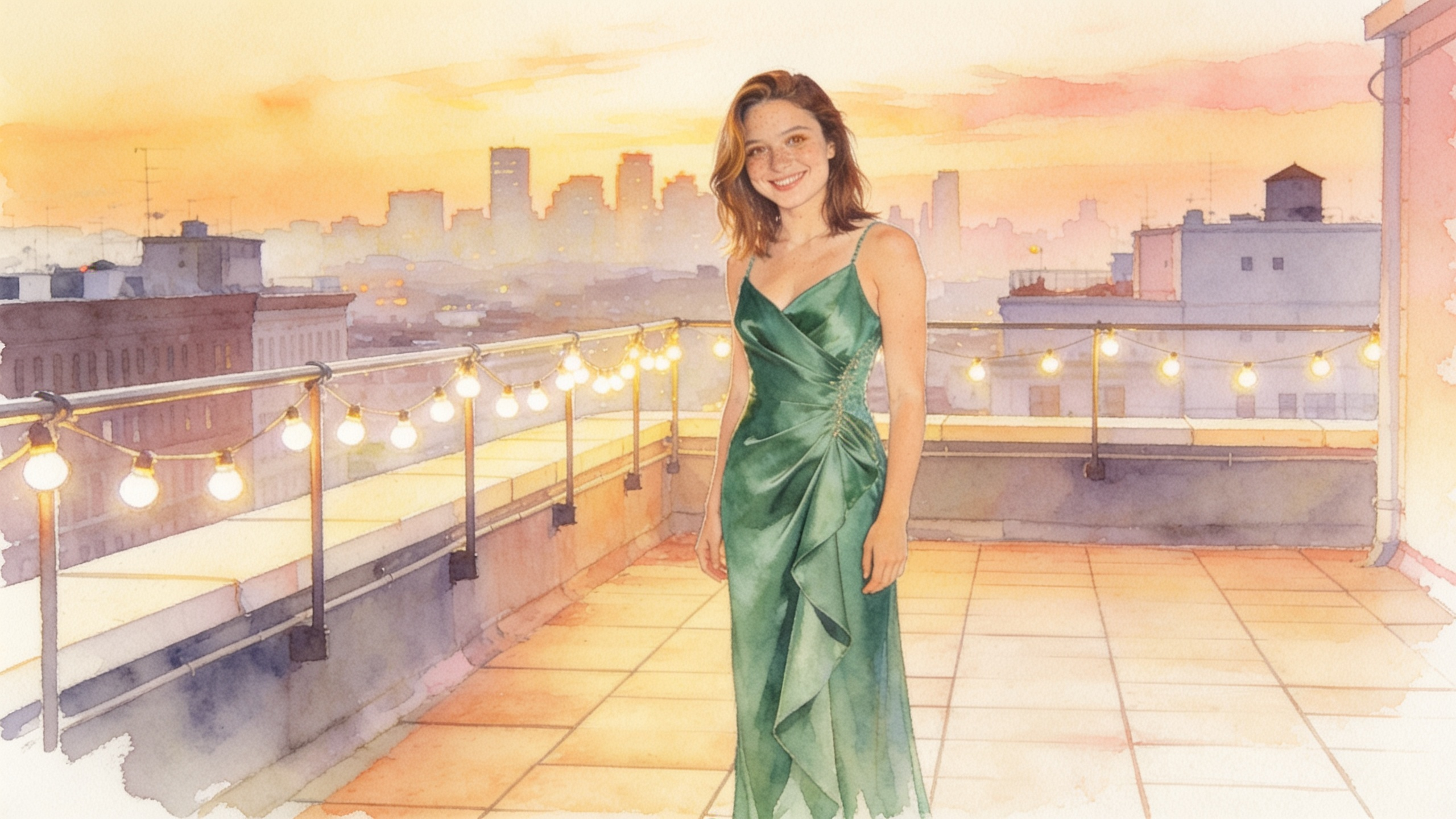
Animate a finished image with the video model that fits the scene. Motion suggestions begin with your source image, so a still can become the next beat in the same character's story.
Drop in a comic or image collection and split it into private, reusable assets. Each panel becomes a reference you can use to direct the next scene.
Generate a variation for each reference in one pass, then keep the results that belong in your character's history. Same subject, many possible directions.
• •
•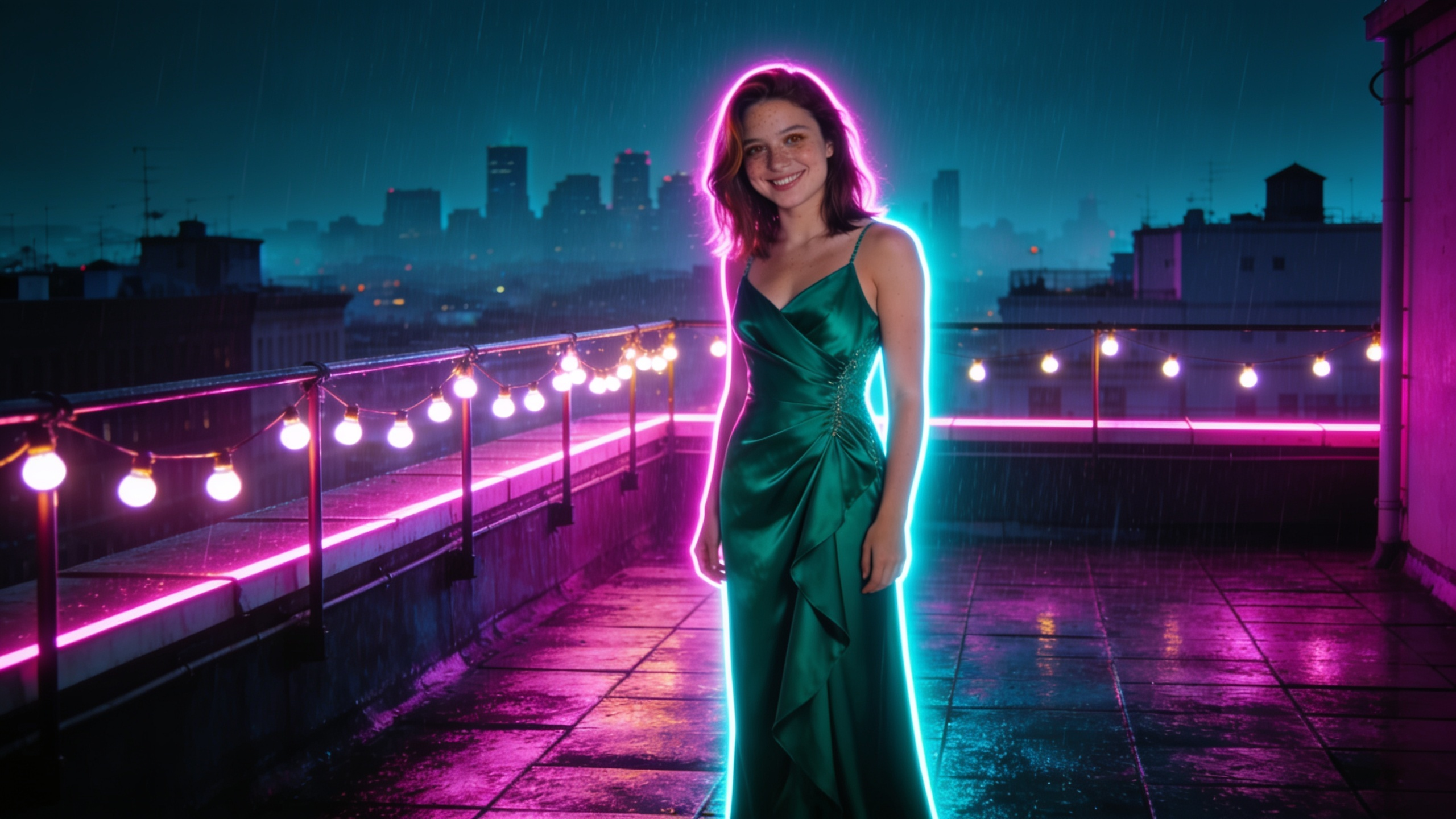 •
•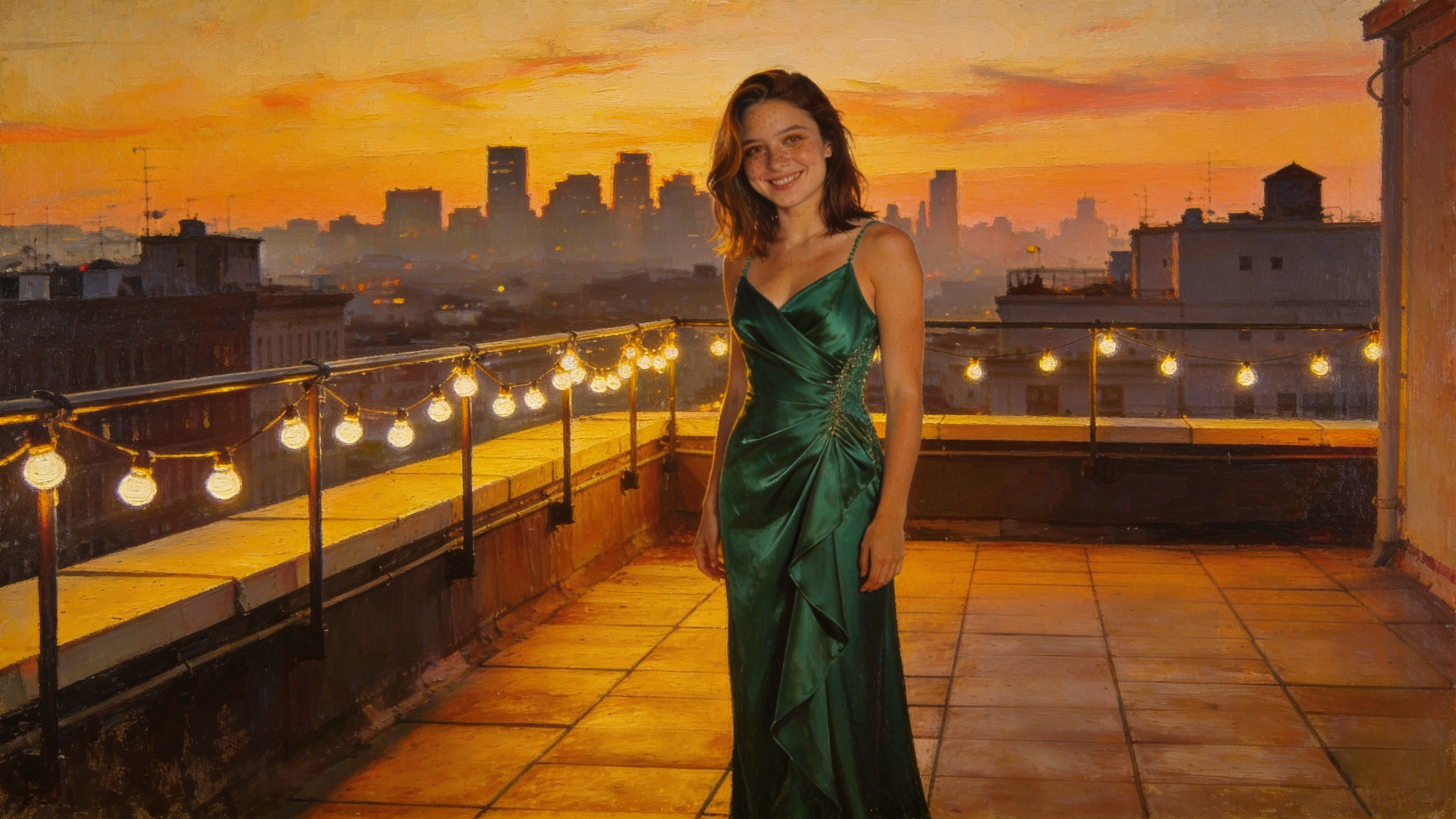 •
•Dozens of original AI models across every style, ready inside the studio — dress them, pose them, animate them. Yours to direct from the first click. To use a real person, upload only yourself or a partner who has consented — anything else is prohibited.
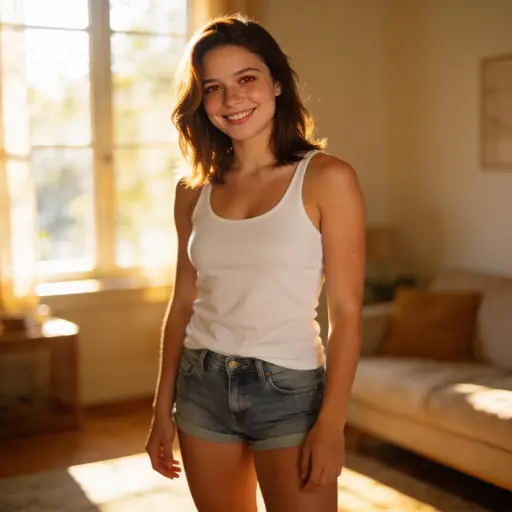 Mia — girl next doorphotoreal
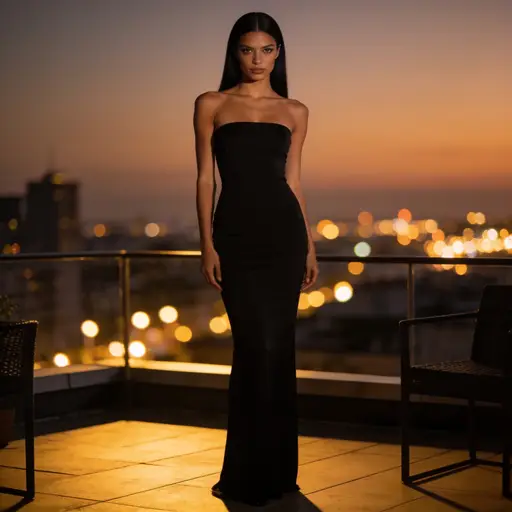 Elena — evening dressphotoreal
 Sofia — beach dayphotoreal
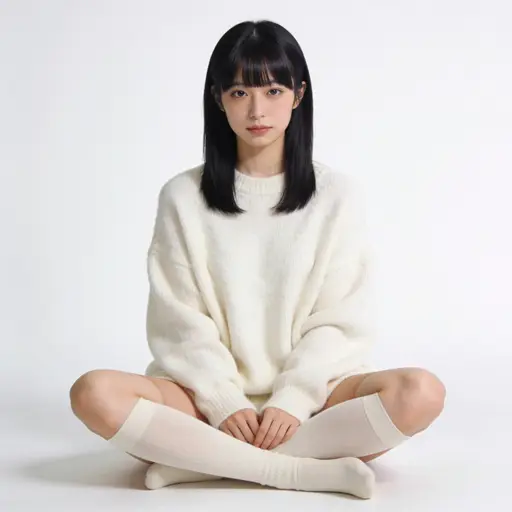 Yuki — studio portraitrealistic
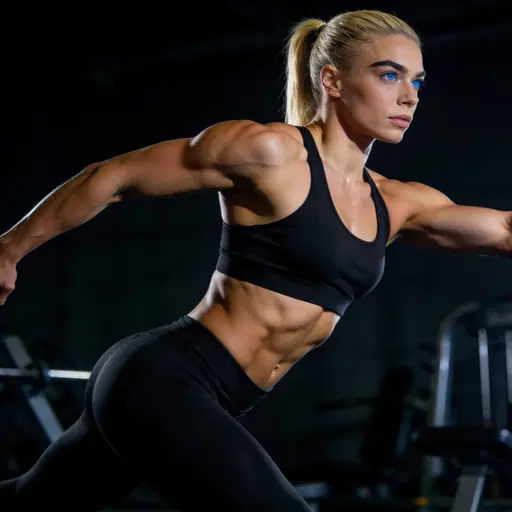 Aria — athleticrealistic
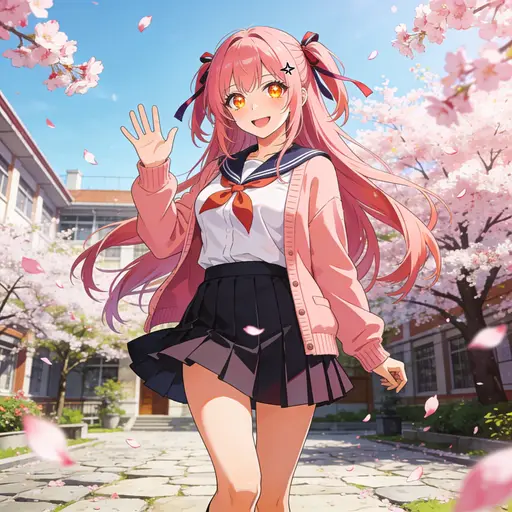 Hana — anime classicanime
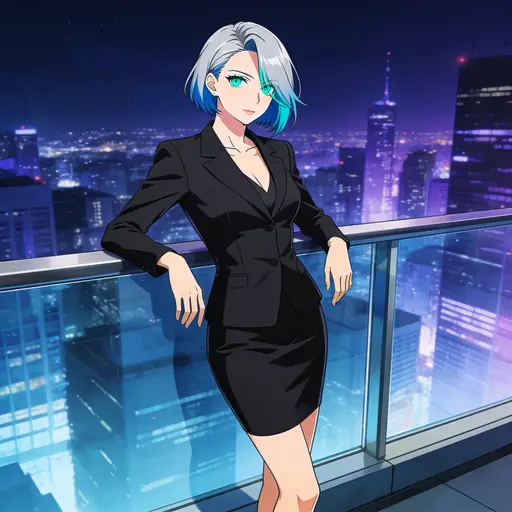 Rin — cool-toned animeanime
 Bella — cartoon pinupcartoon
 Zoe — modern cartooncartoon
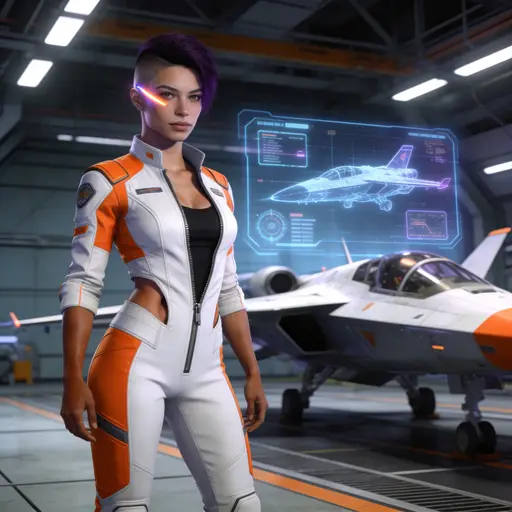 Nova — sci-fi 3D3d
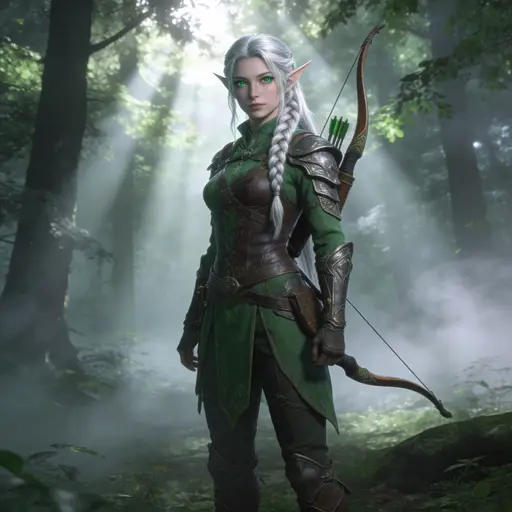 Lily — fantasy 3D3d
 Amara — West African queenphotoreal
Curated by the studio · fictional AI-generated adults · every edit is private to your account
Choose the model that fits the scene. Images and video share one private library.
Best quality. Precise edits, up to 10 images in one request.
Faster and lighter. One image input, fixed 2K sizes.
Best for multi-reference scenes, up to 14 images total. Use Anchor for steadiest identity.
Google Gemini 3.1 Flash Lite. Fast image generation and editing.
xAI Grok Imagine 2.0. Quality-aware generation and image editing.
Steadiest at keeping the input's identity. 3 images total.
Dense layouts, small text, multilingual.
★ Text-to-image photoreal. No provider filter, ~$0.001/image.
Text-to-image photoreal. Draws explicit anatomy. No provider filter, ~$0.001/image.
Text-to-image anime. No provider filter, ~$0.001/image.
Text-to-image on our own GPU, with measured GPU-time pricing.
★ Self-hosted editing. Keeps the face; changes scene, outfit, pose.
Default. Image-to-video, 4–30s.
Image-to-video, 2-15s. Anchors the first frame pixel-perfect.
Hailuo 3. Native synced audio, multi-reference, 5–15s.
Google Gemini Omni Flash. Native audio, multi-turn, 3–10s.
Lightricks LTX 2.5 Fast. Quick generation, 6–20s.
Lightricks LTX 2.5 Pro. High-fidelity, up to 4K, 6–20s.
BFL FLUX 3. Native synced audio, multiple styles, 5–20s.
Start free, then choose the private creation pace that fits you. Images and video use credits based on the model and output.
$0/month
100 credits/month — enough to create your first character and try a scene.
$27.99/month
~2,000 credits/month — about 20 character scenes with video, or hundreds of image edits
$99.99/month
~8,000 credits/month — about 80 character scenes with video, or thousands of image edits
Billed via Stripe · cancel anytime · unlimited is invite-only
A private creative studio for fictional adult characters, scenes, images, and video. Start from a curated character — or your own photo, or one from a partner who consented — then save identities you want to return to.
Sensia is for adults only. Fictional adult characters and imagery of yourself or consenting partners are allowed within the Terms and Acceptable Use Policy. Content involving minors, non-consensual real-person intimate content, impersonation, fraud, and illegal content are never allowed. Individual model providers may also enforce their own policies.
For images: Apex, Anchor, Anchor Pro, Seedream Pro and Lite, Nano Banana Lite, and Grok Imagine. For video: Seedance, Surge, MiniMax H3, Gemini Omni, LTX Fast and Pro, and FLUX Video. Model availability and provider policies can change as models evolve.
Yes. Every account gets 100 credits each month at no cost — about 25 images or 1 short video. Pro grants ~2,000 credits/month for $27.99/month or $249/year. Studio grants ~8,000 credits/month for $99.99/month or $799/year. Annual billing saves up to 33%.
Yes. Your library, saved characters, prompts, references, and generations are private to your account. Sensia does not publish them to a public community feed.
Your uploads and results are stored privately and scoped to your account. Nothing is shared between accounts, and generations are visible only to you.
Anytime, from the pricing page inside the app — it manages your Stripe subscription directly, and you keep access through the end of the billing period.
Email support@sensia.fun for anything account- or billing-related — a stuck generation, a refund question, a bug. For everything else, hi@sensia.fun.