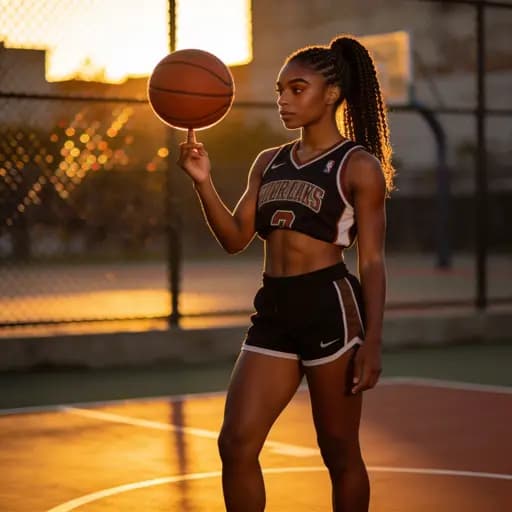
The most common request in intimate image work is also the hardest one in image editing: put these two people, in this pose, wearing these clothes, in this room — and have it look like one photograph instead of a collage. Single-prompt tools fail at this because a sentence can't pin who goes where. Sensia's reference tray exists precisely for this.
The three-image recipe
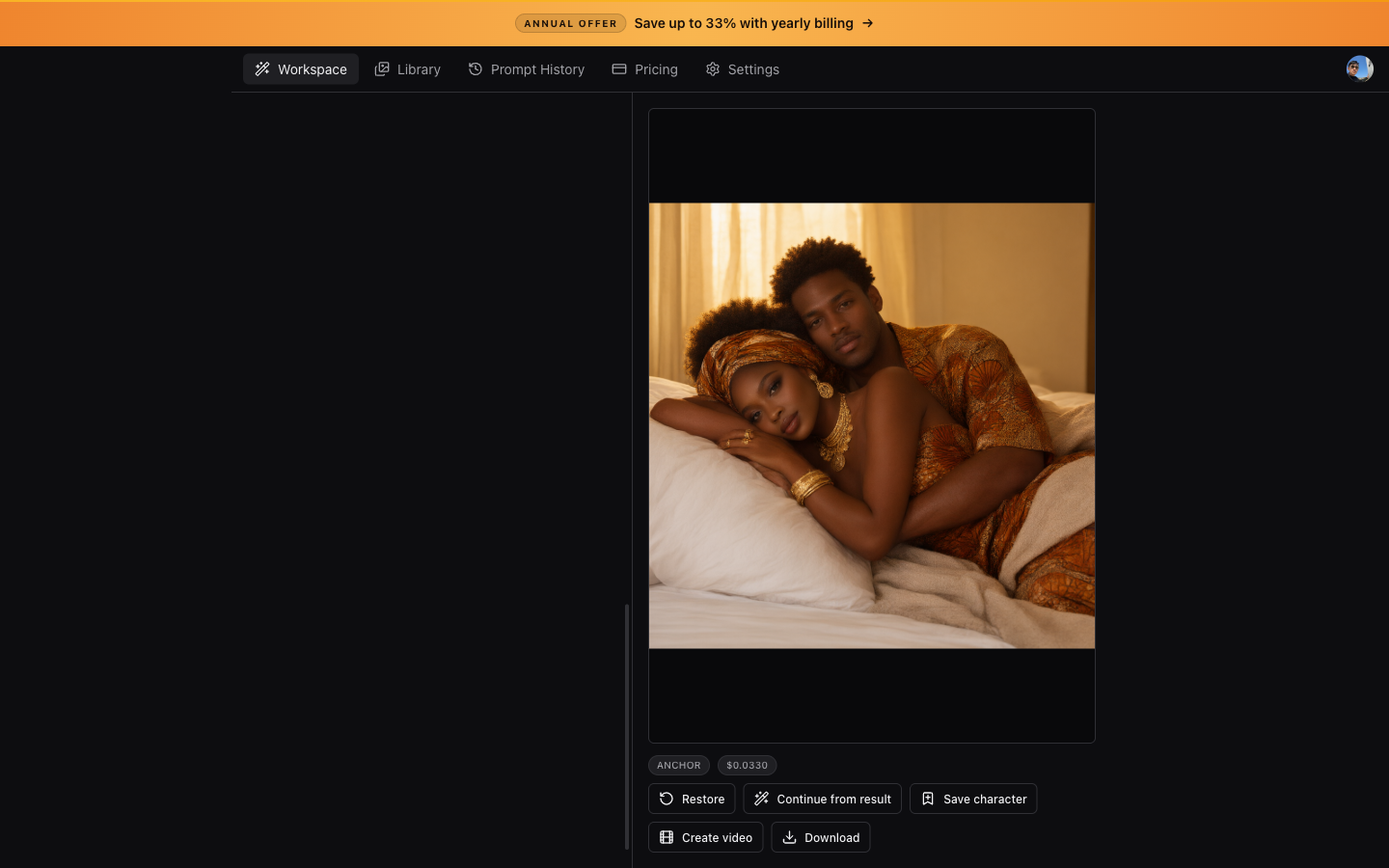
- Input image — your primary subject. This is the face and body the output must keep.
- Pose reference — a photo (or AI render) of the position you want. The model transcribes the geometry, not the people in it.
- Outfit or scene reference — optional, but it's what stops the model guessing fabrics and settings.
With Apex selected, drop all three into the tray. The auto-prompt reads every image and writes the full instruction — placement, orientation, who faces the camera, where each hand rests — before you press Generate. You can edit anything it wrote, but it starts from a description of your actual images instead of a guess.
Why pose geometry matters
A pose name like 'cowgirl' leaves every limb to chance. The prompt Sensia writes spells out the physical mechanics: placement in frame, body orientation relative to both ground and camera, contact points, torso shape. That specificity is why multi-reference runs land on the first or second try instead of the tenth.
Identity mapping is explicit too: the input subject maps onto the matching figure in the pose reference — by role and build — and only that figure. Every other person in the scene keeps the reference's own face and clothing, so group scenes don't turn into five copies of the same person.