
Annual offerSave up to 33% with yearly billing
← All posts
TechniqueSeptember 1, 2026· 4 min read

AI position generator: pose geometry, not pose names

By the Sensia Studio team · measured on real runs

Typing 'cowgirl' into an image model leaves every limb to chance. Pose geometry — placement, orientation, contact mechanics — is why some prompts nail the position on the first try and others produce tentacles.

A fictional adult character captured in a dynamic mid-air poseRunware generation · Sensia workflow

A position name is not a position. Tell a model 'missionary' and it knows the general neighborhood but not who faces the camera, where the weight rests, or which hand goes where. The results look vague because the instruction was. The fix is pose geometry: the same vocabulary animators use.

The anatomy of a good position prompt

  • Placement: who is where in the frame — 'she lies on her back, head toward the camera'.
  • Orientation twice: relative to the ground (upright, kneeling, horizontal) AND to the camera (facing, three-quarter, back to camera).
  • Contact mechanics: who bears whose weight, where each hand rests, which parts touch.
  • One camera move: push in, static, orbit — never two.

Sensia's position picker writes this geometry for you — thirty curated positions, each spelled out in full, with an optional explicit-activity toggle and uncensored framing that stops the model hiding anatomy behind convenient hands. Pick, edit if you like, generate.
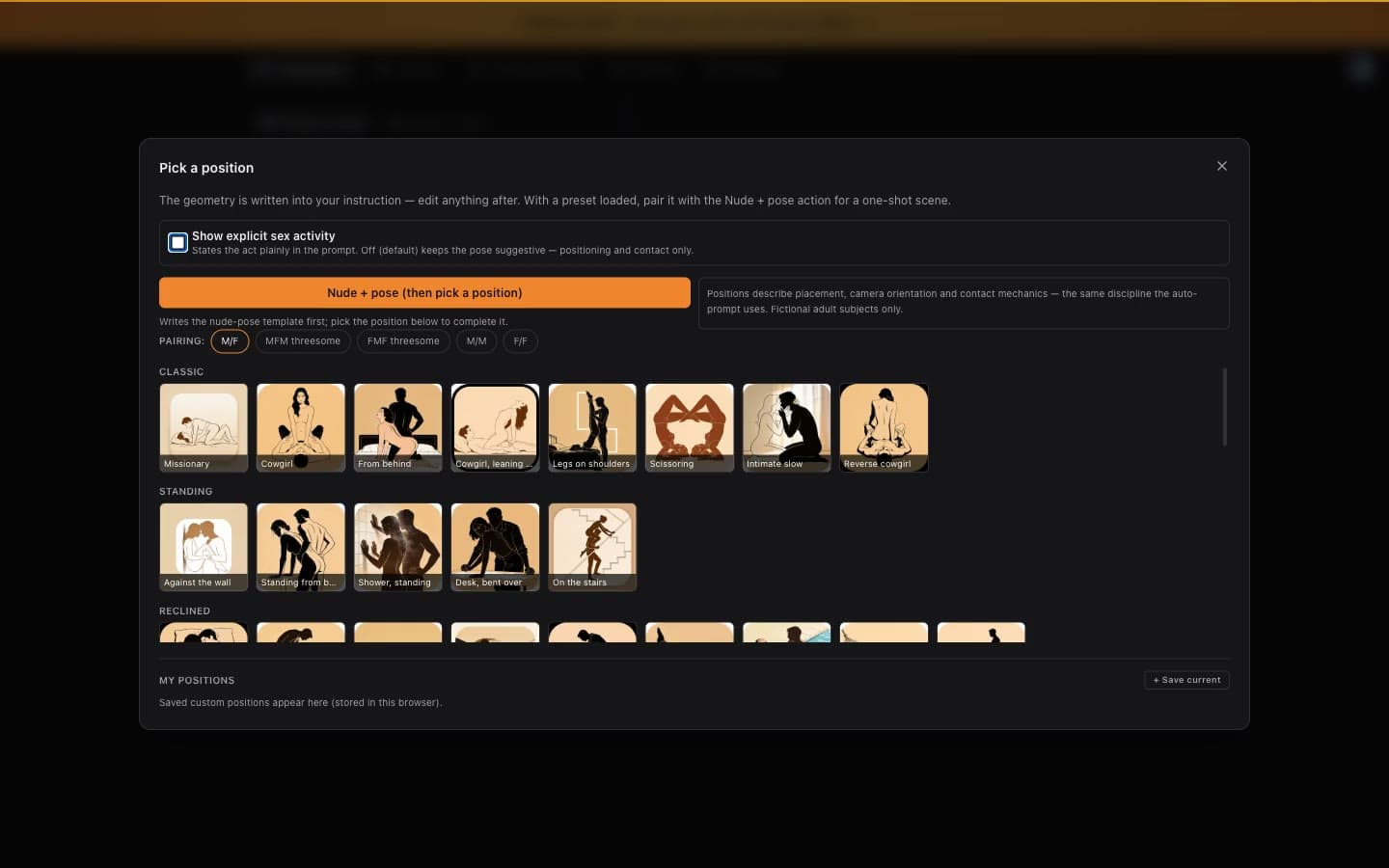
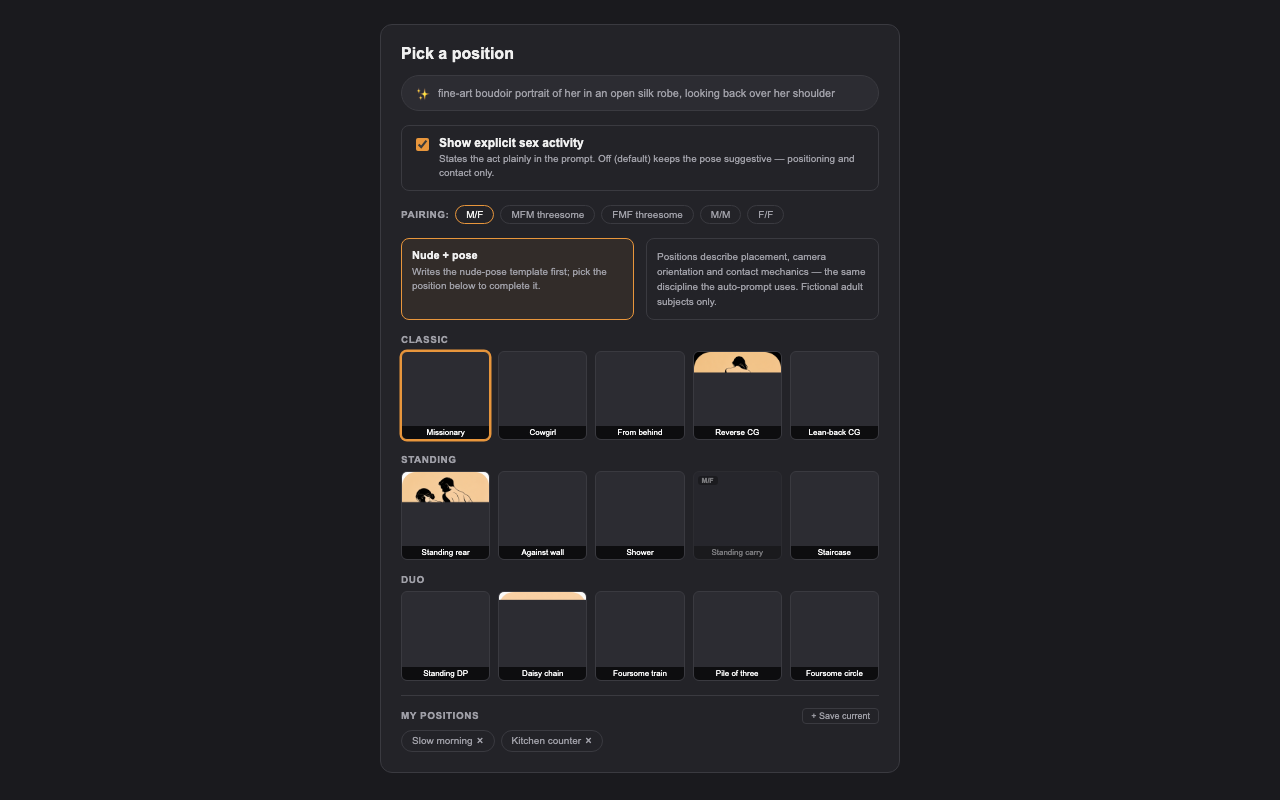
The live position picker: 56 positions with visual thumbnails, scrolled end to end. Picking one writes its geometry into the Instruction — editable, not magic.
The position picker: pairing chips, explicit toggle, and visual thumbnails for all 30 positions. My positions stores your own geometry as reusable chips.